Demo
Explore in three simple steps.
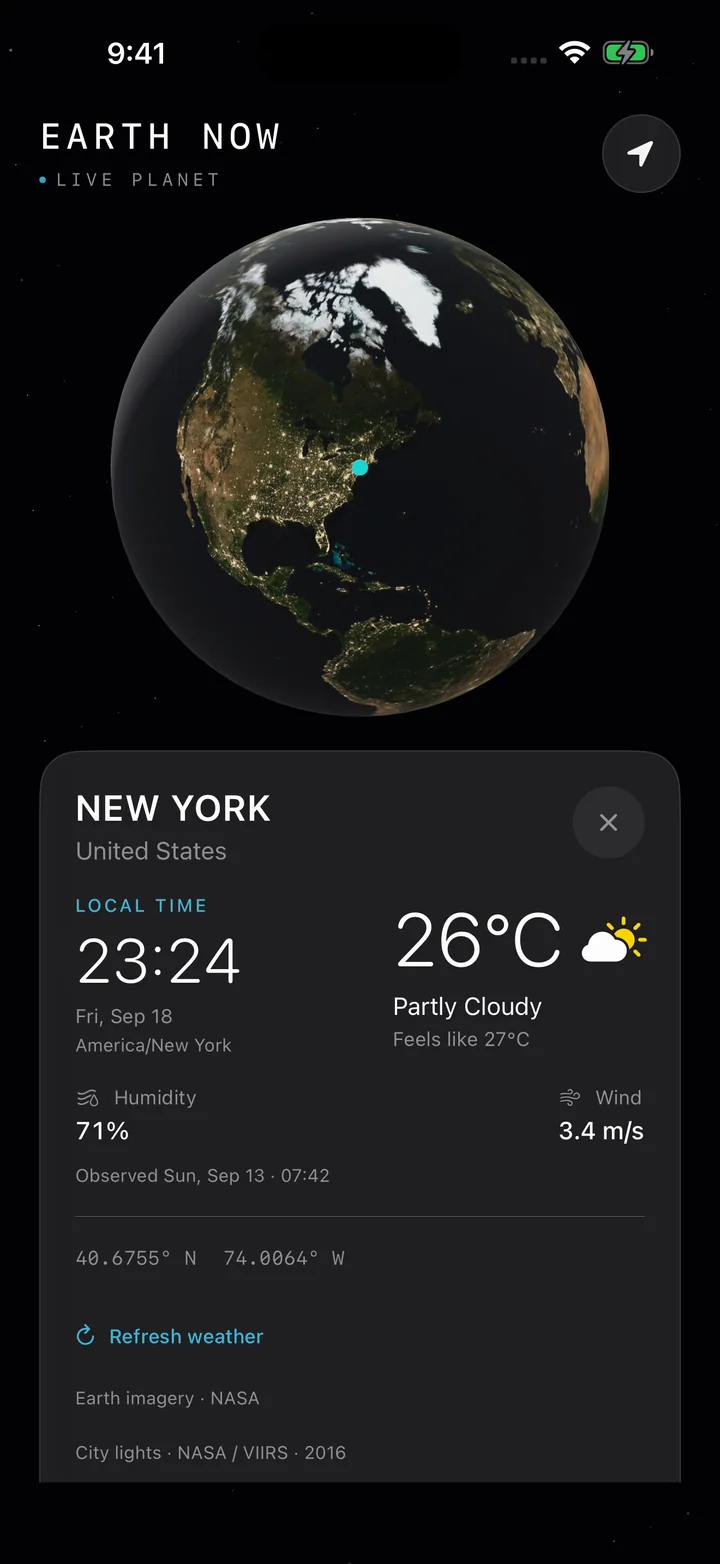
Rotate the globe, choose a place, and check its local time and current weather. This 24-second demo takes you to New York.
Rotate the globe
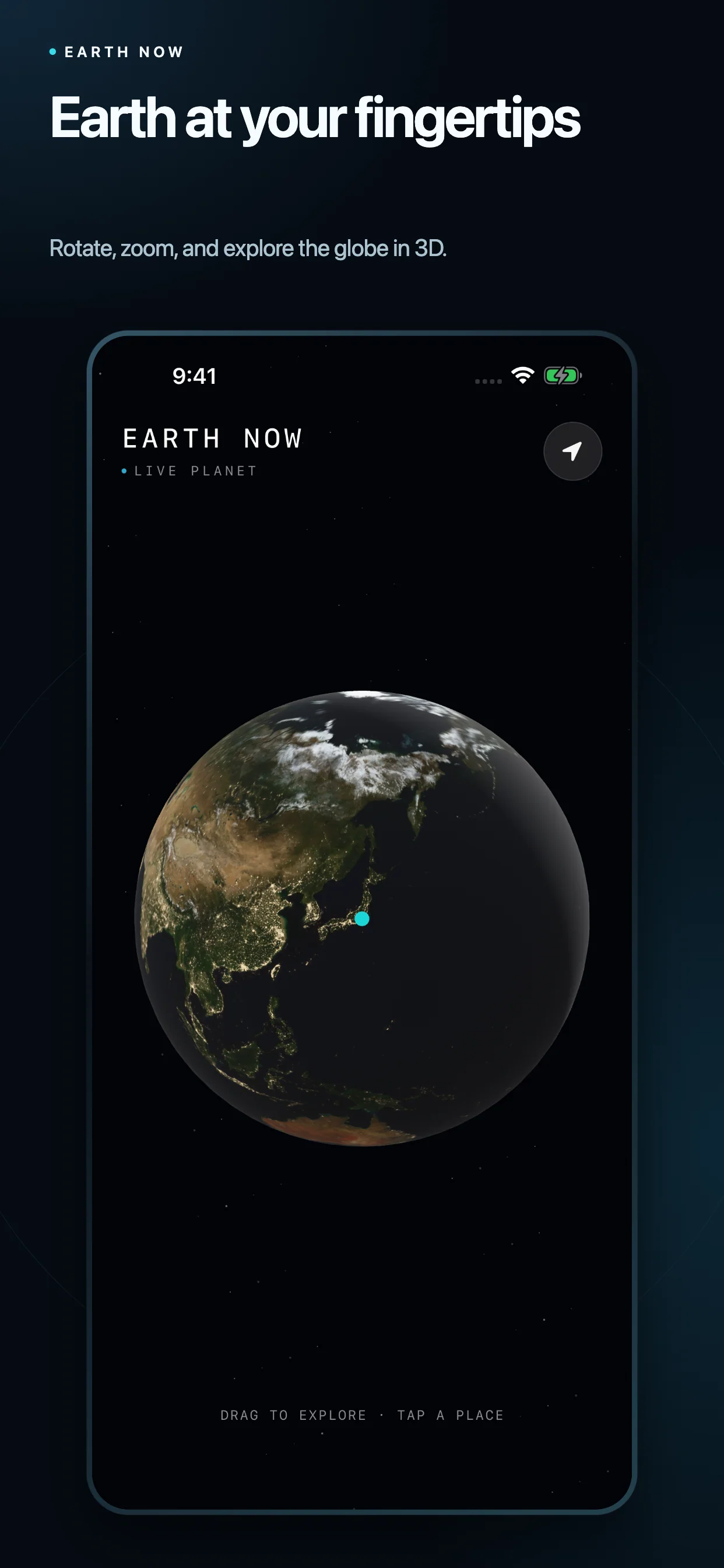
Drag to rotate and pinch to zoom in on a place you want to explore.
Tap a place
Select a point on the globe to see its place name and coordinates.
Check time and weather
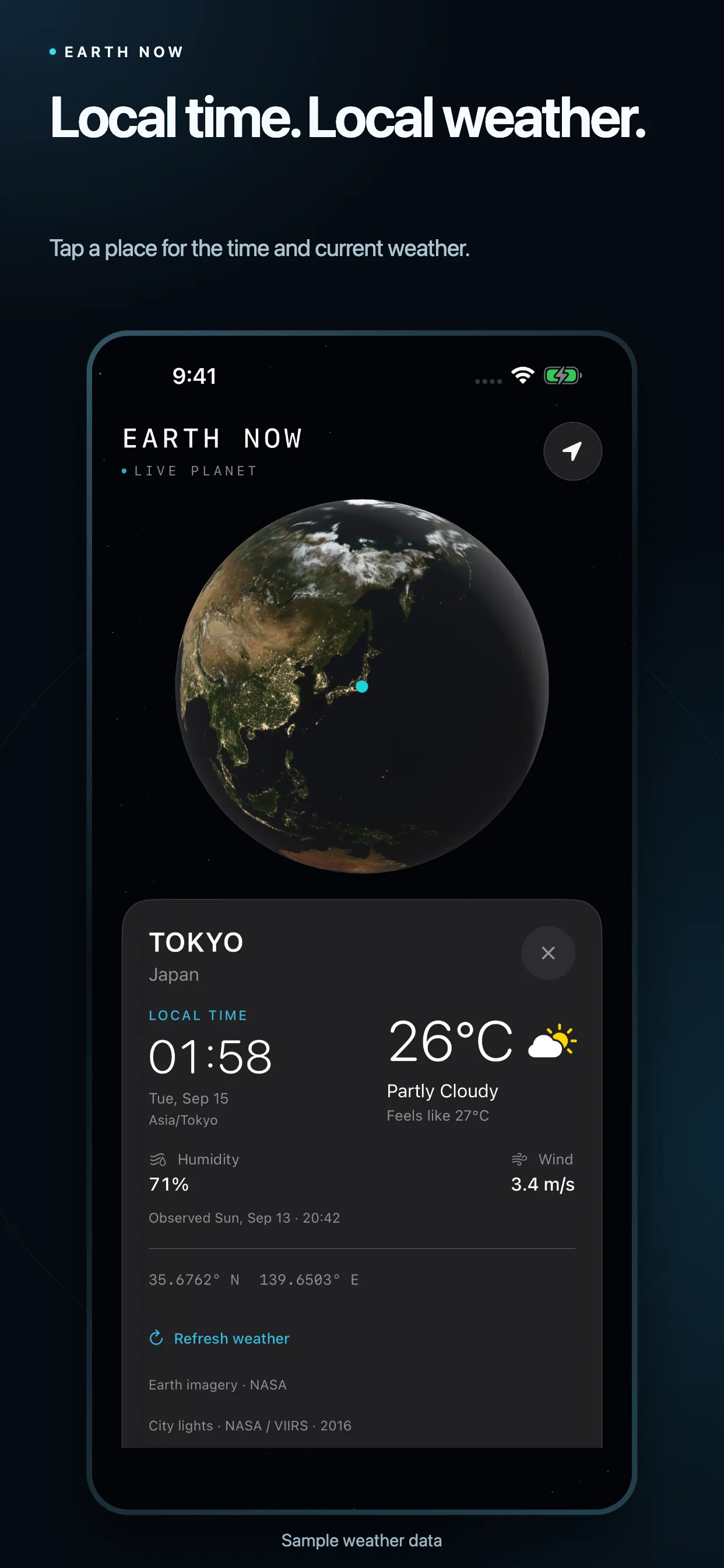
See local time, temperature, feels-like temperature, humidity, and wind together.
Screenshots
From the globe to the local details.
Select an image to view it at full size. Weather shown is sample data.
Features
More ways to explore the world.
Explore in 3D
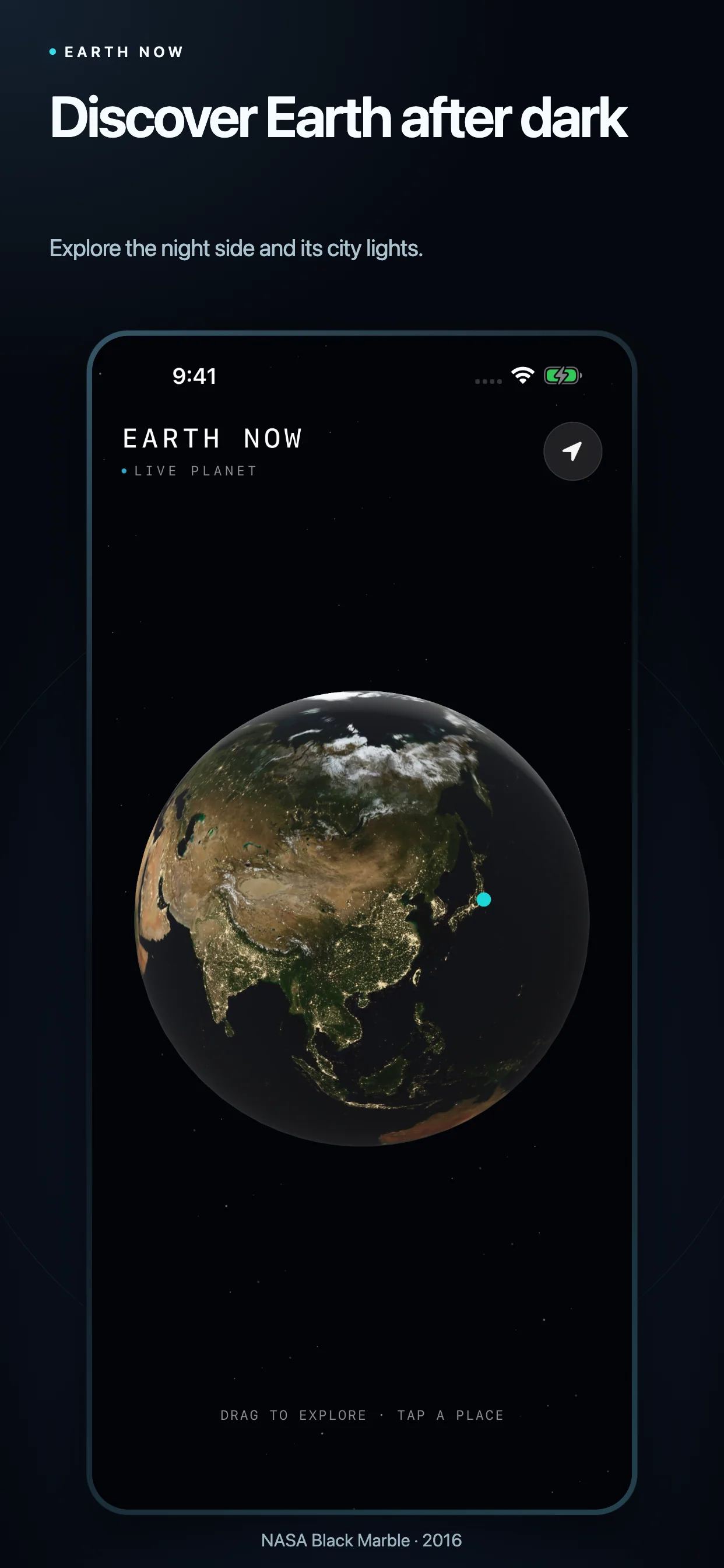
Drag to rotate and pinch to zoom. Tap a place on the globe to explore its coordinates and local information.
Check the local moment
See the place name, local time, temperature, feels-like temperature, humidity, and wind. Current weather is provided by Apple Weather.
Find your place
Use the location button to move to your current location, with your permission. You can also keep exploring by selecting places yourself.
A familiar planet, seen in a new light.
Earth Now combines NASA imagery with lighting based on the current position of the sun. The surface uses NASA Blue Marble imagery from September 2004; city lights use NASA Black Marble imagery from 2016. These images are not live satellite feeds.
Support
A little help with your exploration.
For questions, problems, or suggestions, tell us your iPhone model, iOS version, and what happened. You do not need to include your precise location.
Contact supportbigmakiinum@outlook.jpQuestions & answers
Do I need to allow location access?
Why is weather sometimes unavailable?
Which languages are available?
Privacy
How your information is used.
Earth Now uses the information needed to show the place you choose and its weather.
Location and Apple services
When you use the current-location button, the app asks for location access while in use. The coordinates of your selected place or current location are used with Apple's location, place-name, and weather services. These requests require network communication.
No account or location history
Earth Now has no account registration, advertising SDK, or analytics SDK. It does not save a location history or send it to a developer-operated server. The currently selected place and weather are held in memory while the app runs.
Support and this website
If you contact support, your email address and the details you provide are used to respond. This introduction page is hosted on GitHub Pages and has no added analytics script. Apple and GitHub handle information according to their respective privacy policies.