
Features
Four modes for everyday transfer questions.
Transfer time
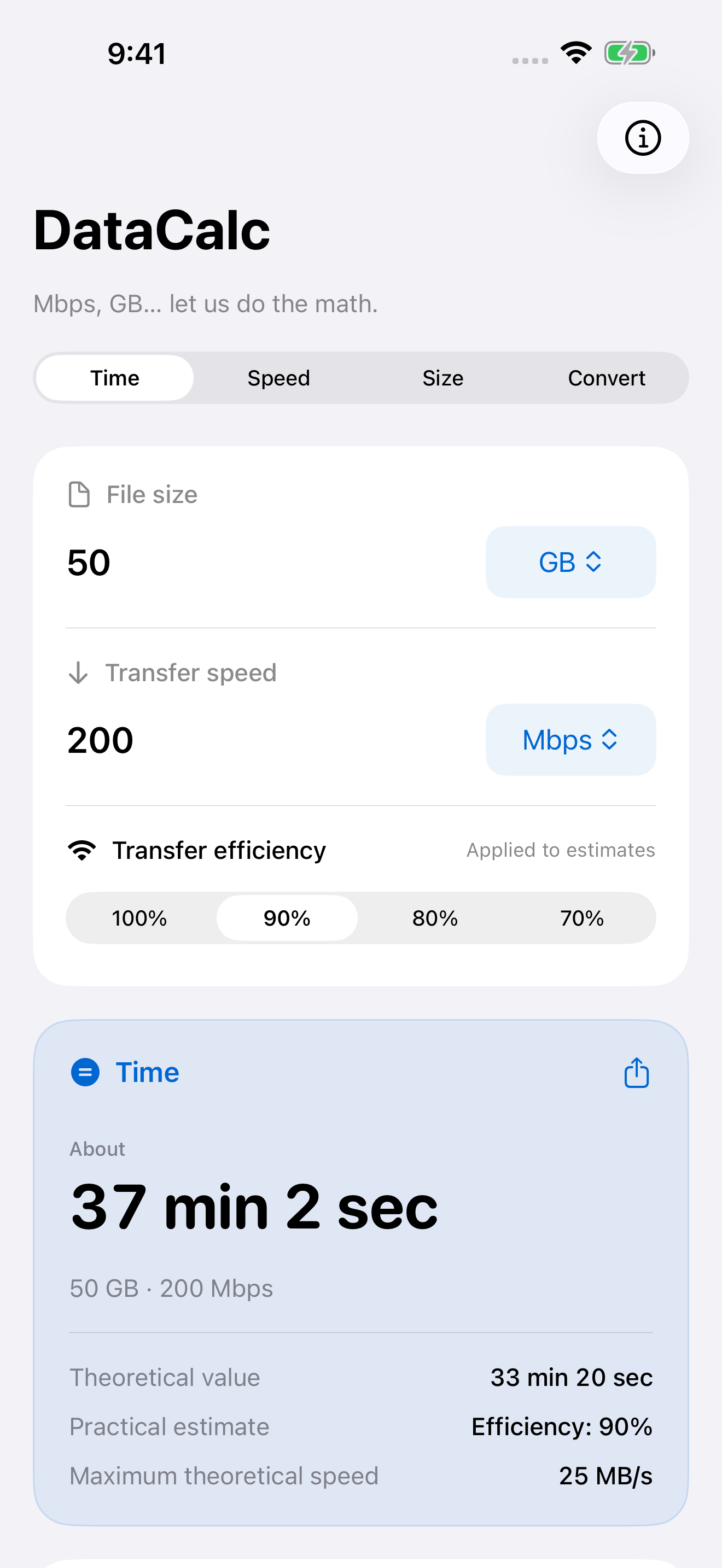
Enter file size and speed to see both the theoretical time and an efficiency-adjusted estimate. Plan large downloads and backups.
Required speed
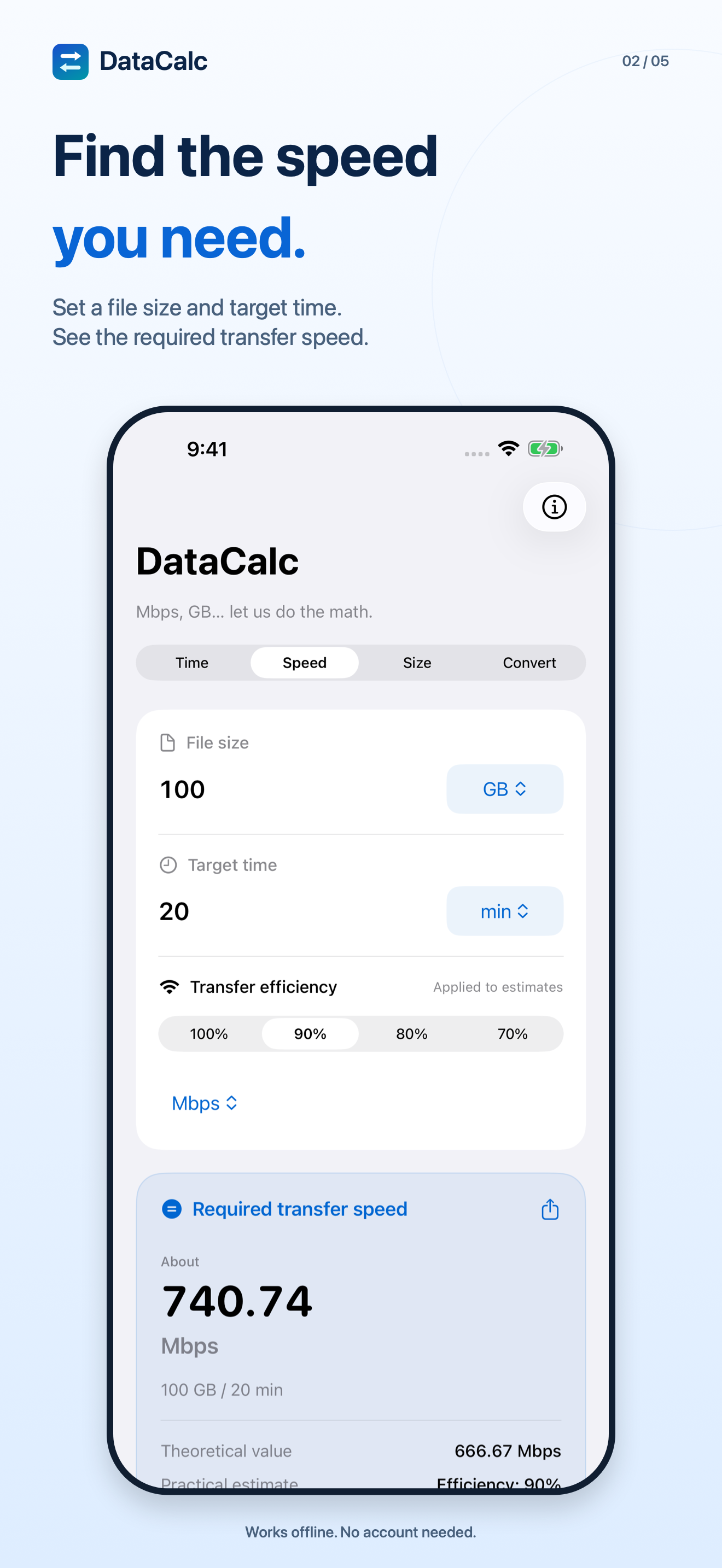
Enter a file size and target time to calculate the speed you need. Get an estimate for transfers on a deadline.
Transfer size
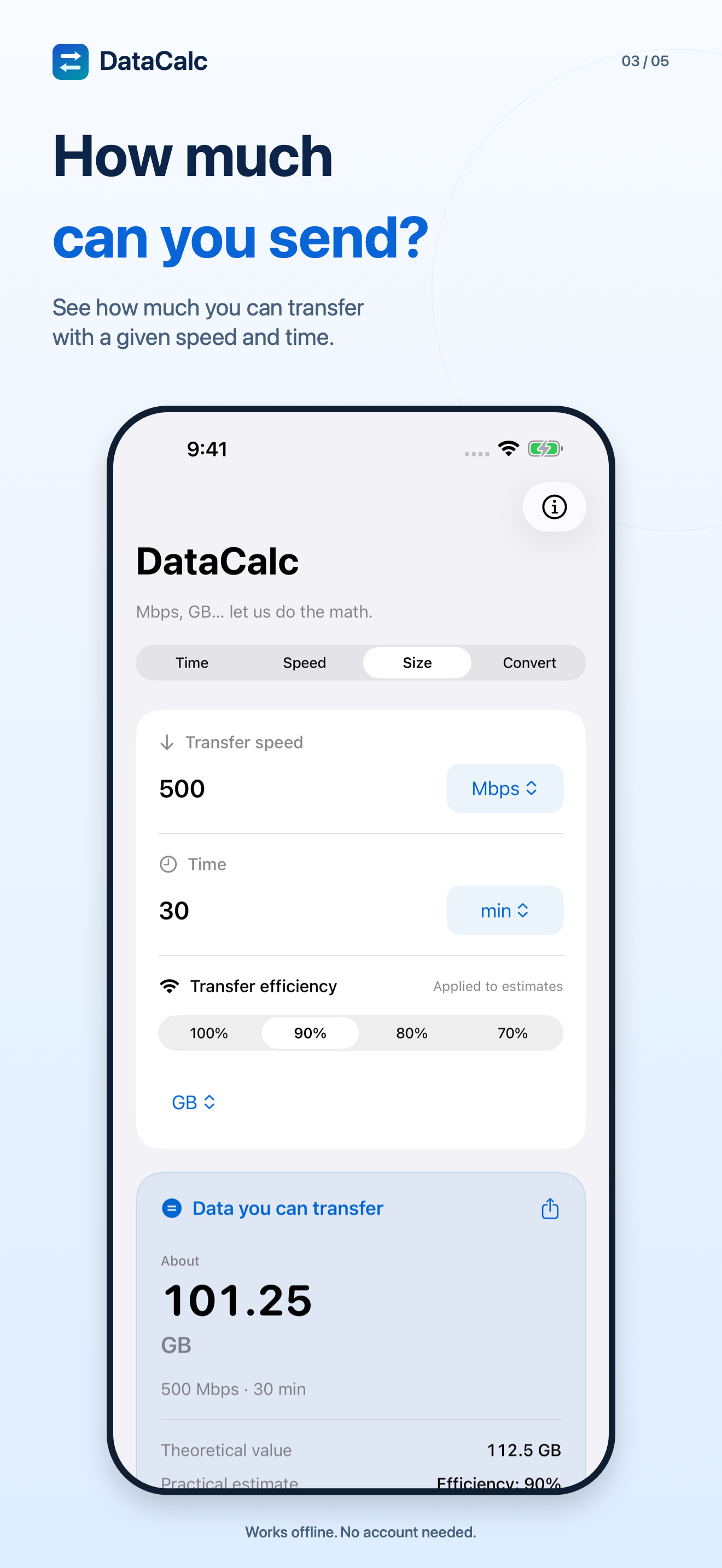
Find how much data you can send at a given speed and time. Quick comparisons also show transfer times for different sizes.
Unit conversion
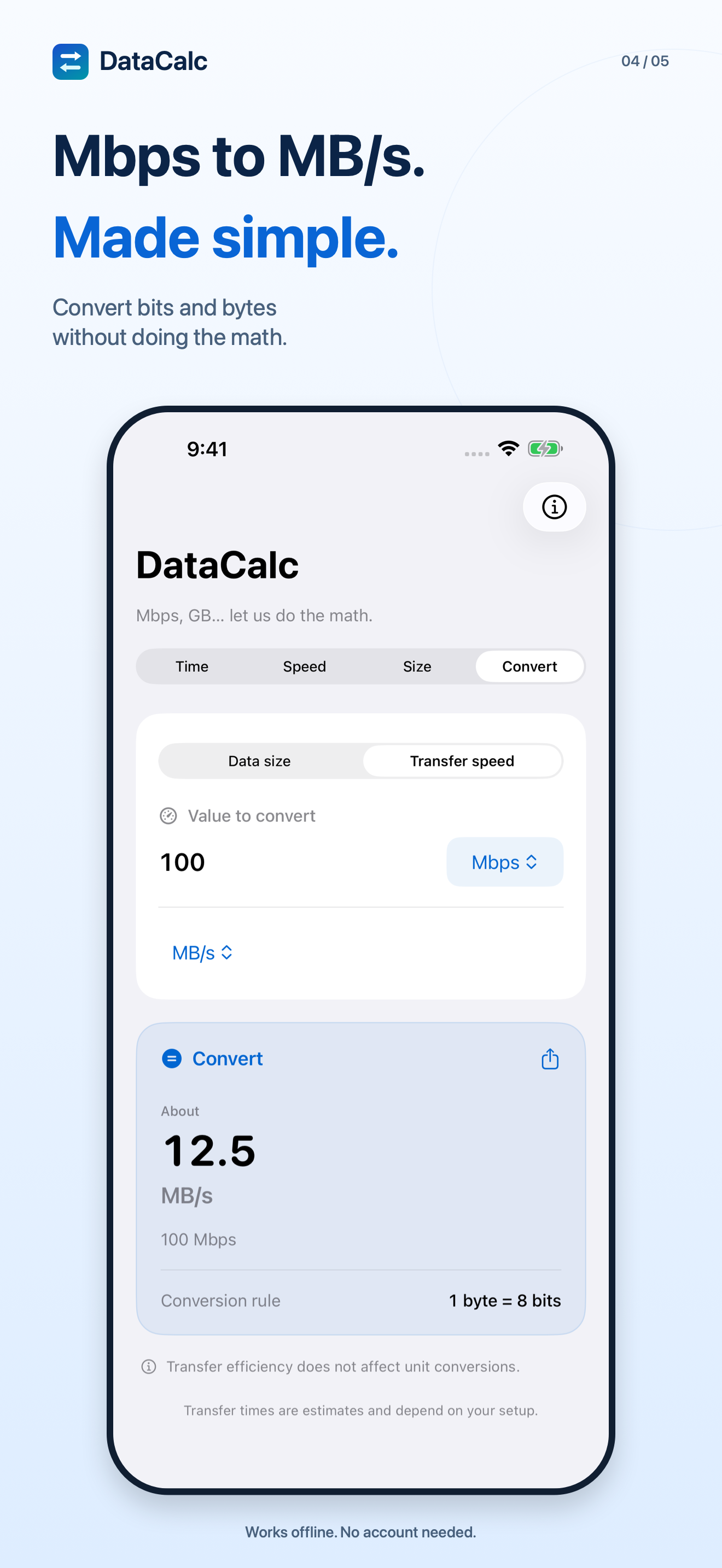
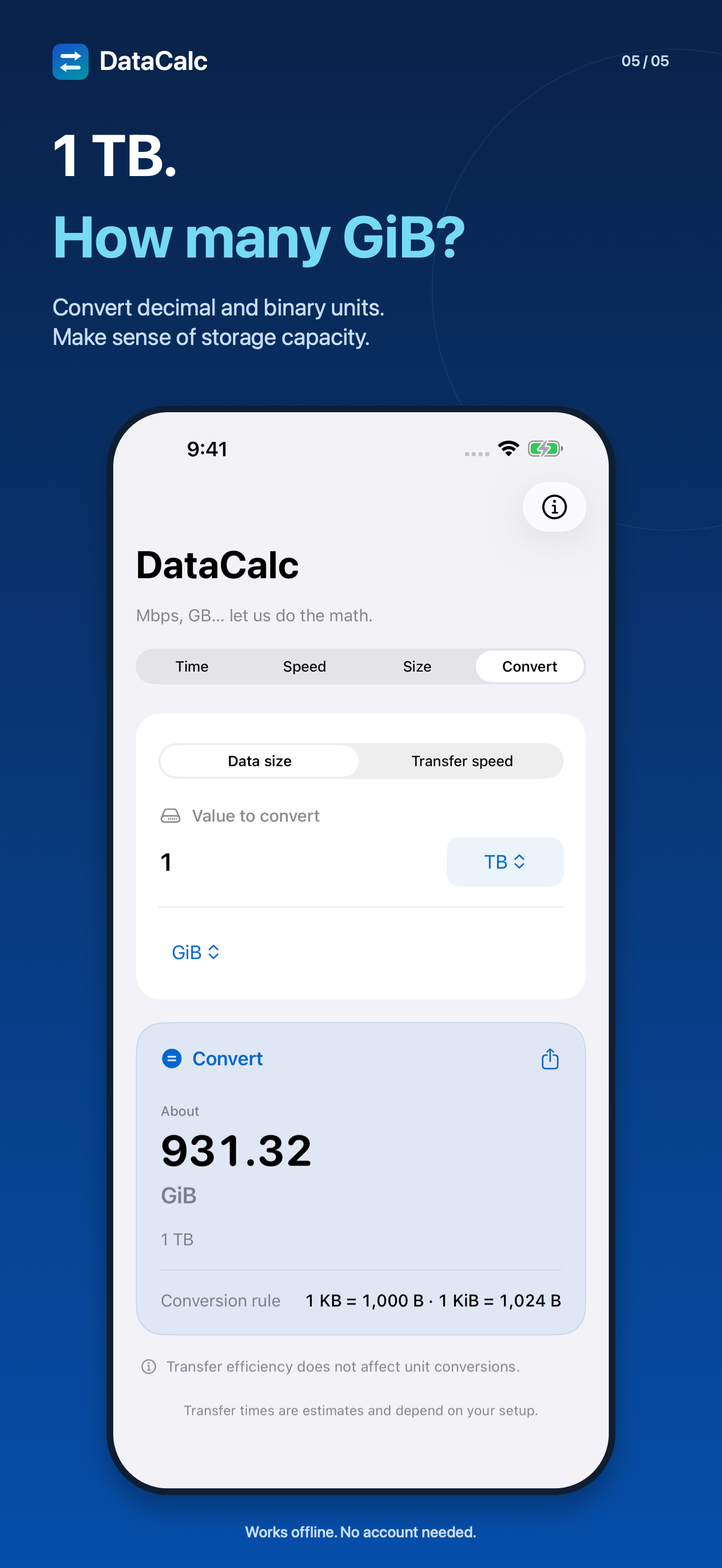
Convert speeds such as Mbps and MB/s, or storage units such as GB and GiB. Built-in explanations cover bits, bytes, and decimal and binary units.
An example
A 50 GB download.
At 200 Mbps with efficiency set to 90%, the estimated transfer time is:
50 GB / 200 Mbps
Estimate at 90% efficiency
About 37 min 2 sec
The theoretical time is 33 min 20 sec. Actual time depends on your connection, the destination, your device, and other conditions.
App screens
The numbers you need, at a glance.
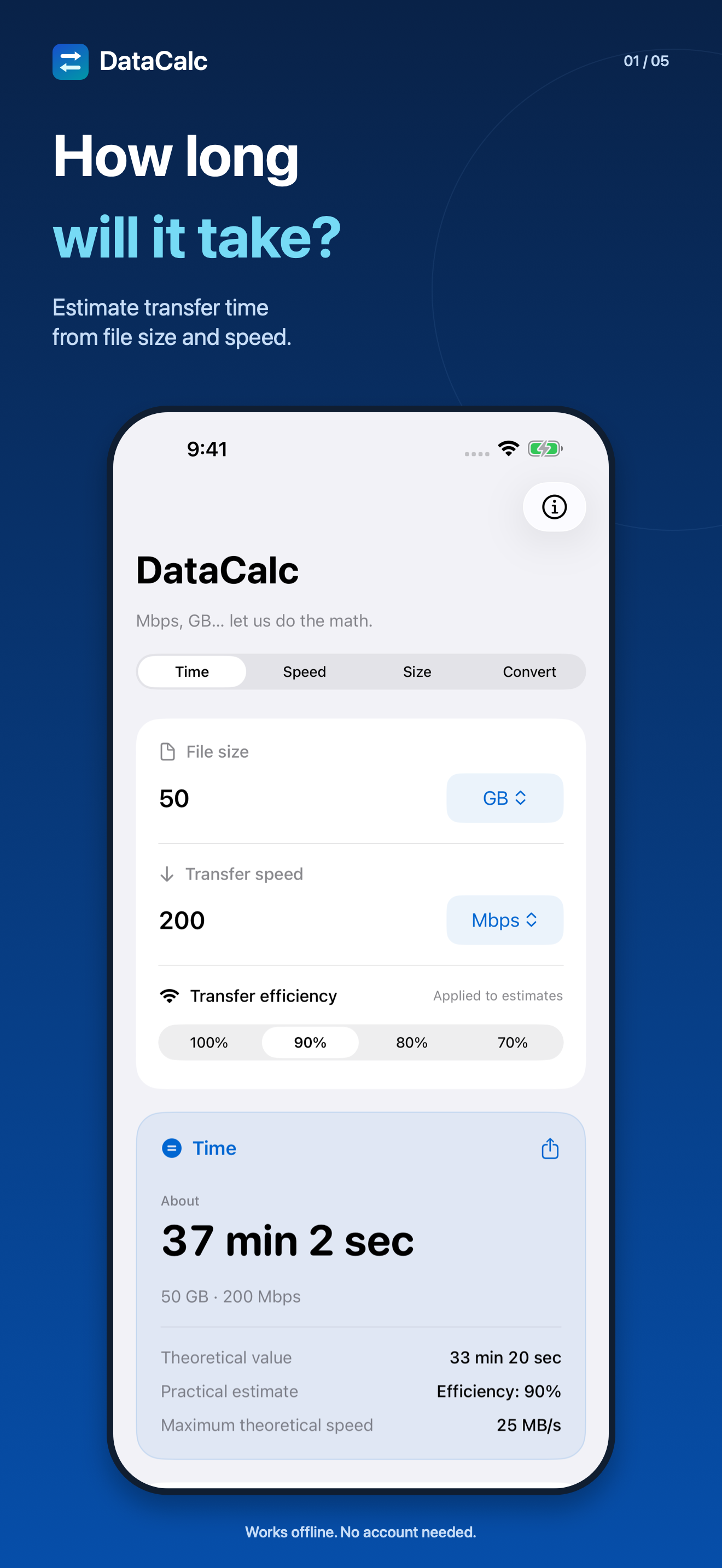
Explore actual app screens, from transfer estimates to unit conversions. Tap an image to enlarge it.
How it works
Enter your numbers. See the result.
Choose what to calculate
Switch between transfer time, required speed, transfer size, and unit conversion at the top of the screen.
Enter values and units
Enter the numbers you know and choose their units. Set efficiency to 100%, 90%, 80%, or 70%.
Check and share the result
Results update as you change the inputs. Share the calculation as text when you need it.
Support
Help with your calculations.
Find answers about transfer estimates, units, settings, and sharing results.
Frequently asked questions
Does it measure my actual connection speed?
No. DataCalc calculates from the numbers you enter. It does not run speed tests or send or receive files. Calculations work offline.
How does efficiency affect the estimate?
Efficiency is an assumption you choose: 100%, 90%, 80%, or 70%. It is not a measurement. Actual results can differ because of network congestion, the destination, your device, and other conditions.
What is the difference between GB and GiB, or Mbps and MB/s?
Decimal storage units such as GB scale by 1,000; binary units such as GiB scale by 1,024. One byte equals eight bits. K, M, and G in speed units are decimal. Use the conversion mode and built-in unit explanations for help.
Which devices and languages are supported?
DataCalc supports iPhone with iOS 17 or later and iPad with iPadOS 17 or later. The seven languages are Japanese, English, Spanish, Simplified Chinese, Traditional Chinese, Russian, and Arabic. It follows your device or per-app language setting and supports Dark Mode, Dynamic Type, and VoiceOver.
Are my inputs or calculation history saved?
No input values or calculation history are saved. Only your efficiency setting and the last calculation mode are stored on your device.
Can I share a result?
Use the share button to share the calculation as text. Choose a destination in the system share sheet. The selected app or service governs how the shared data is handled afterward.
Privacy
Privacy policy
How DataCalc handles calculations, preferences, sharing, and support messages, and how this website handles requests.
Last updated:
On-device calculations
Calculations run on your device. The developer does not receive or collect your input values or results. The app itself makes no external network requests and includes no accounts, ads, tracking, or analytics SDKs.
Saved preferences
The efficiency setting and last calculation mode are saved on your device. Entered values and calculation history are not saved.
Sharing you choose
When you choose to share, the app passes the calculation as text to the operating system's share feature. You choose the destination. The destination app or service handles the shared data according to its own policies.
Support messages
If you email support, your email address, message, and any attachments you choose to send are used to respond to your request. They are processed through an email service. Please avoid sending unnecessary personal or confidential information.
This website
This page is served through GitHub Pages. The hosting provider may process standard request information, such as IP addresses, to serve the site. This page does not include analytics tools. Linked pages and services may have different policies.